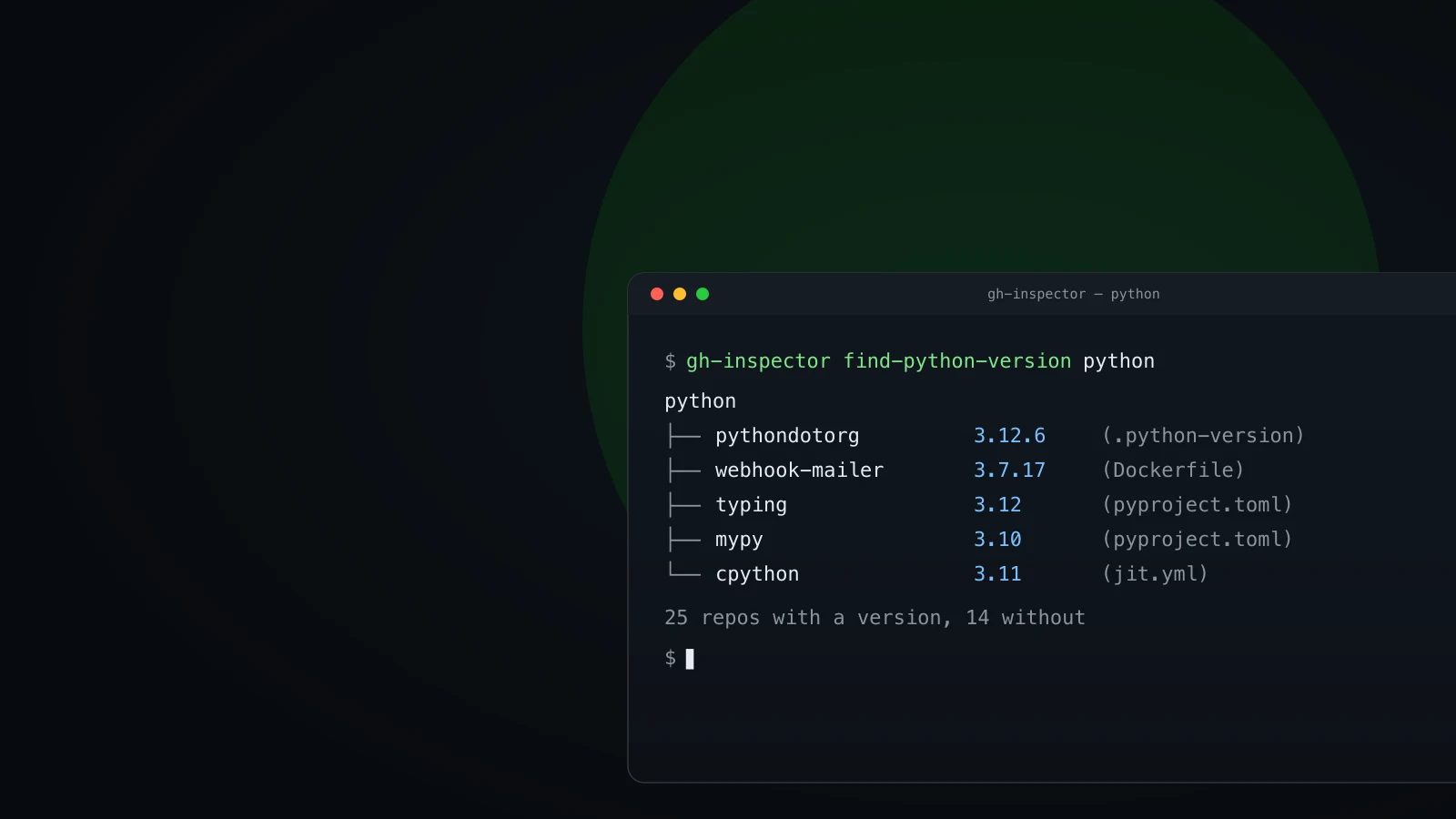
A terminal running gh-inspector with a tree of repositories and Python versions
ProductsStable

gh-inspector

A CLI that uses the GitHub CLI to locate and inspect files across every repo in an organization, without cloning a single one.

pip install gh-inspector

GitHub CLI extension · v0.4.1 · MIT

    GitHub CLI
    Python
    Developer Tools
    CLI
  • No cloningReads files through the GitHub API
  • gh-authenticatedReuses your existing gh login
  • Whole orgEvery repo scanned in one command
  • MITOpen source, Python 3.10+

The problem

Some questions span a whole organization. Which repos still depend on an old library version? Who owns which files? What Python does each project target? Answering them by hand means cloning repo after repo and grepping through each one, and the answer is out of date as soon as you have it.

The solution

gh-inspector answers those questions in a single command. It queries GitHub through the gh CLI you already use, reads dependency files, CODEOWNERS, and version markers across every repo, and shows you the result. No clones, no local copies to keep in sync.

Ask GitHub what your org looks like. Stop cloning it to find out.

What it does

One command per question you have about your org

find-python-library

See which repos use a library, and which version, across the org.

find-codeowners

Map ownership across the org, grouped by team or person.

find-python-version

Detect the Python each repo targets, across runtime, minimum, and CI.

How it works

gh-inspector shells out to the gh CLI for authentication and API access, so it inherits whatever login you already use. It never clones a repository: it reads files through the GitHub API and parses them locally.

Every command supports --format only_repo for terse output, repeatable --file-types filters, and --all-repositories to include archived and forked repos. Shell completion is available for bash, zsh, and fish.

Get gh-inspector

GitHub CLI extension. One command.

pip install gh-inspector

Contributors

gh-inspector is better because of the people who have contributed to it. Thank you.