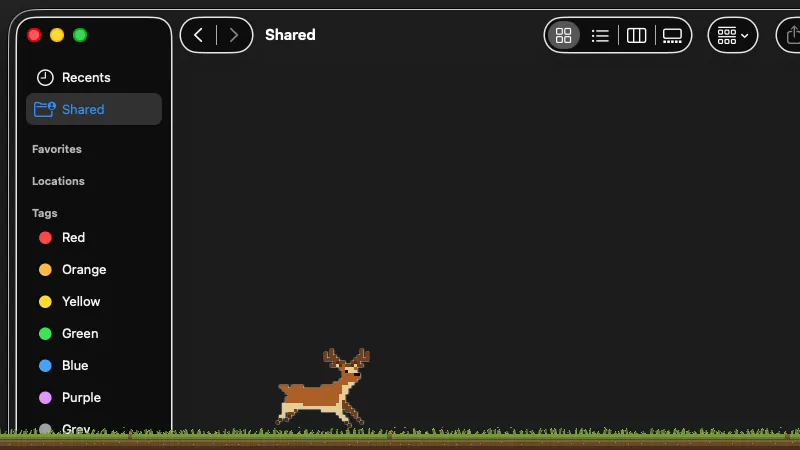
A living meadow
A pixel meadow with a full day and night cycle. Sunrise and sunset follow your timezone, the grass sways, and fireflies come out at night. A deer grazes, and you can opt into birds, critters, and cats.
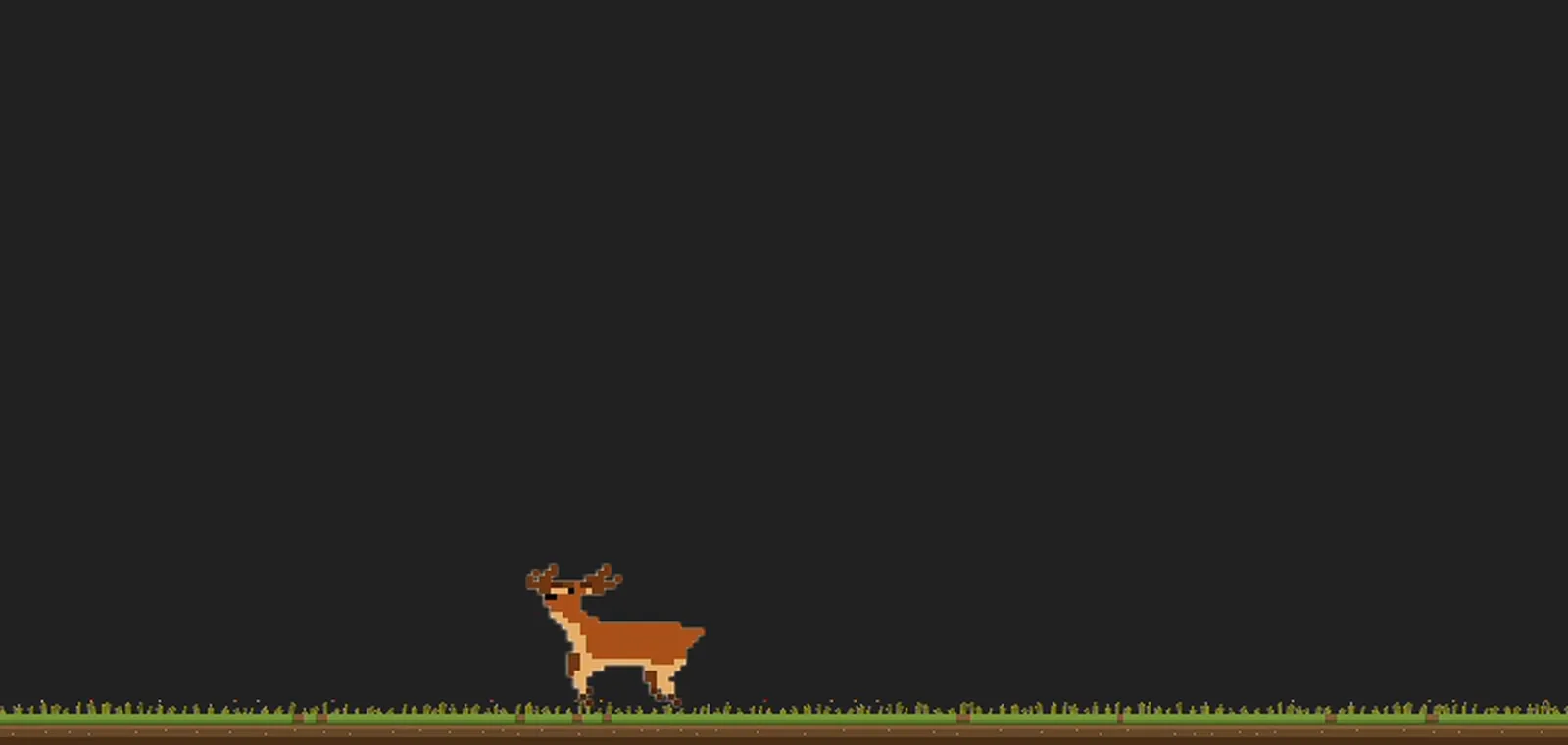
A tiny pixel-art creature that lives on your screen, reacts to what you're doing, and stays out of your way. It comes with living ambient worlds that change with the time of day and the season.
brew install acabelloj/tap/desktop-petbash <(curl -fsSL https://raw.githubusercontent.com/acabelloj/desktop-pet-releases/main/install.sh)Living worlds
A pixel meadow with a full day and night cycle. Sunrise and sunset follow your timezone, the grass sways, and fireflies come out at night. A deer grazes, and you can opt into birds, critters, and cats.
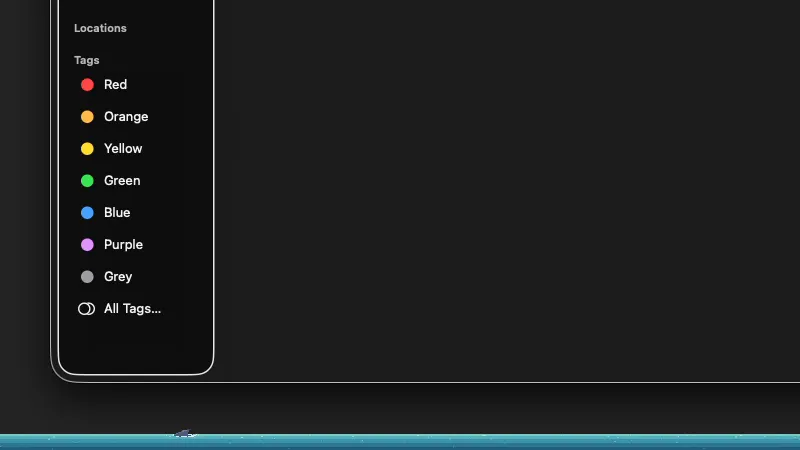
Switch the world to an Atlantic underwater scene with its own day, night, and seasonal water. A shark patrols the depths and flees the moment you move your cursor toward it.
It is not a widget or a notification. It is a small life that happens at the edge of your screen while you work.
A pet with personality
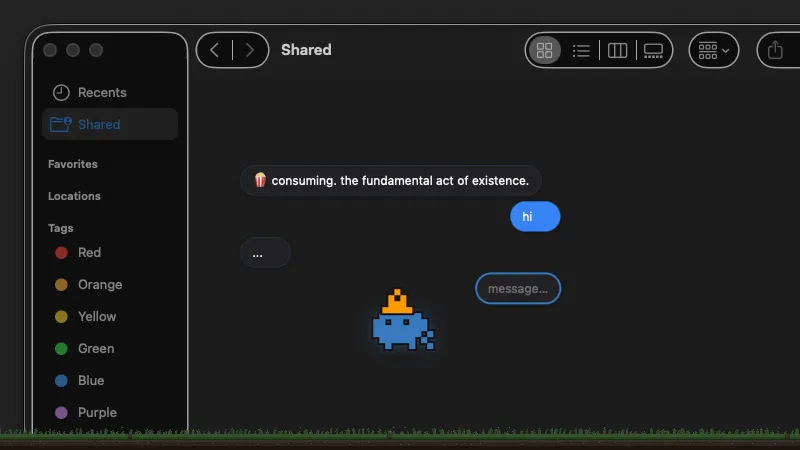
The default pet is a wiggly, unbothered microorganism that chats back, on-device, in its own strange voice.
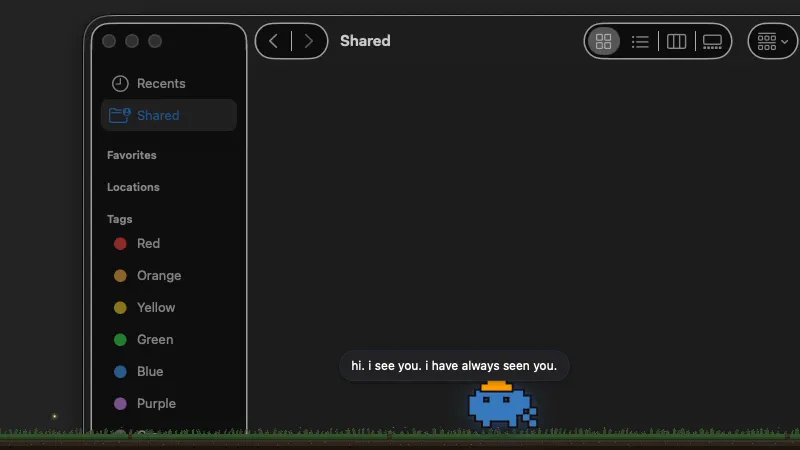
It reads your activity and shifts between coding, reviewing, idle, and blocked, while staying out of your way.
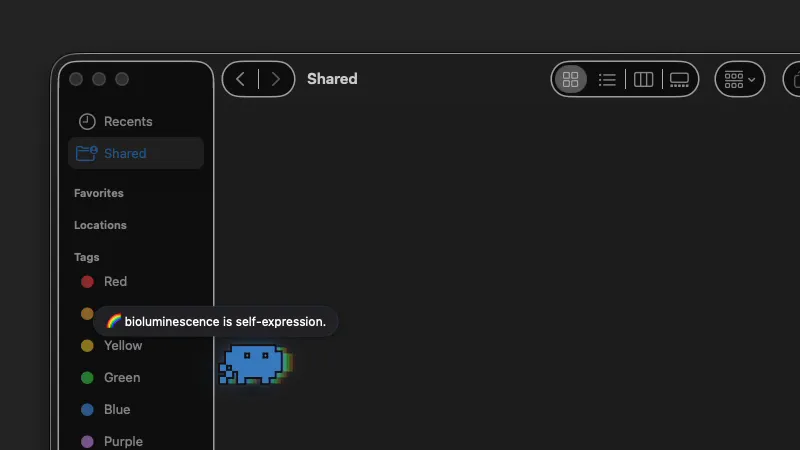
It glows, sulks, and shows off, treating your desktop as a stage for whatever it is feeling.
Under the hood
Grab the pet with your mouse and fling it. Its physics freeze while held, then it coasts across the screen and settles once it slows down.
It darts away when your cursor gets close, then chases the trail you leave behind before losing interest and wandering off again.
It tosses toys that obey gravity, bounce off your window edges, and settle in the safe zones around your screen. Up to two on screen at once.
The pet dresses up and shows off, picking up little props and flinging them around as it moves.
It perches on title bars and window edges, and steers clear of your content area so it never covers the thing you are working on.
Trigger scripted bits from the control panel: a full-screen football match, a workout, a shower, zoomies, a moonwalk, a good cry, and more. Small theatre on your desktop.
It finds other instances on your local network over Bonjour. Accept a visit and a guest pet wanders in beside yours. Nothing leaves the LAN.
Speak and it listens, with speech recognition feeding the on-device chat. The conversation never leaves your Mac.
It nudges you about things like lunch, surfacing scheduled reminders in its own speech bubbles instead of a notification banner.
Pick the wiggly Bacterium or the caffeinated Alien from the control panel. Each has its own voice, moods, and way of wandering.
A menubar icon lets you switch states or quit, and a control panel exposes the pet picker and action triggers. Or script its state from any tool.
It quietly checks for new releases and updates on its own when one is ready, verifying the checksum and signature first. Turn it off any time.
From the maker
I just wanted something to animate my screen. A bit of life in the corner while I worked. It turned into more than that. On my lowest days, the little creature wandering around down there has been quiet company, and I keep building it because it keeps me company back.
If the little creature made you smile, you can help keep it caffeinated. There is no paywall, it stays free either way.
Support on Ko-fiNo account needed. Every bit helps and is genuinely appreciated.
macOS 13+. Homebrew or a one-liner.
brew install acabelloj/tap/desktop-petbash <(curl -fsSL https://raw.githubusercontent.com/acabelloj/desktop-pet-releases/main/install.sh)This little world would not exist without these artists. Every creature here is their craft, shared generously for others to build on. I am deeply grateful for their work.